
How to Make a Dynamic NFT
A Dynamic NFT is an NFT that is minted in a certain fashion that allows you to the change the image after the mint. Since minting only makes you input the file’s URL address, if one were to keep the URL the same, they could change the image. Using Google Cloud, this is easily achievable!
Dynamic NFTs have various use cases. My favorite is a term dubbed “Face Downing” which means that a generic image is shown to potential buyers. After the drop is sold out, the images of the NFT are swapped in and people see what they get. It takes the elements of targeting better NFT rarities off the table and leaves things for luck. Another use case is what STUPIDHORSE does with their special attributes. After the drop is completed, a small % of horses are changed to a variant. This is another way of rewarding buyers after the initial buy.
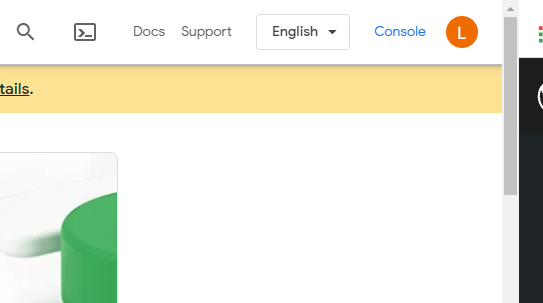
To start making a dynamic NFT, make an account through Google Cloud. Once that is done, click console in the Upper Right Hand Corner.
Next Go to Resources: Storage.

Once you are there click Create Bucket

Fill out the fields and uncheck Enforce public access prevention on this bucket.

Once done, click create.
After you have created the bucket you should be taken to this screen.

Click on the permissions tab and Click +Add towards the bottom.
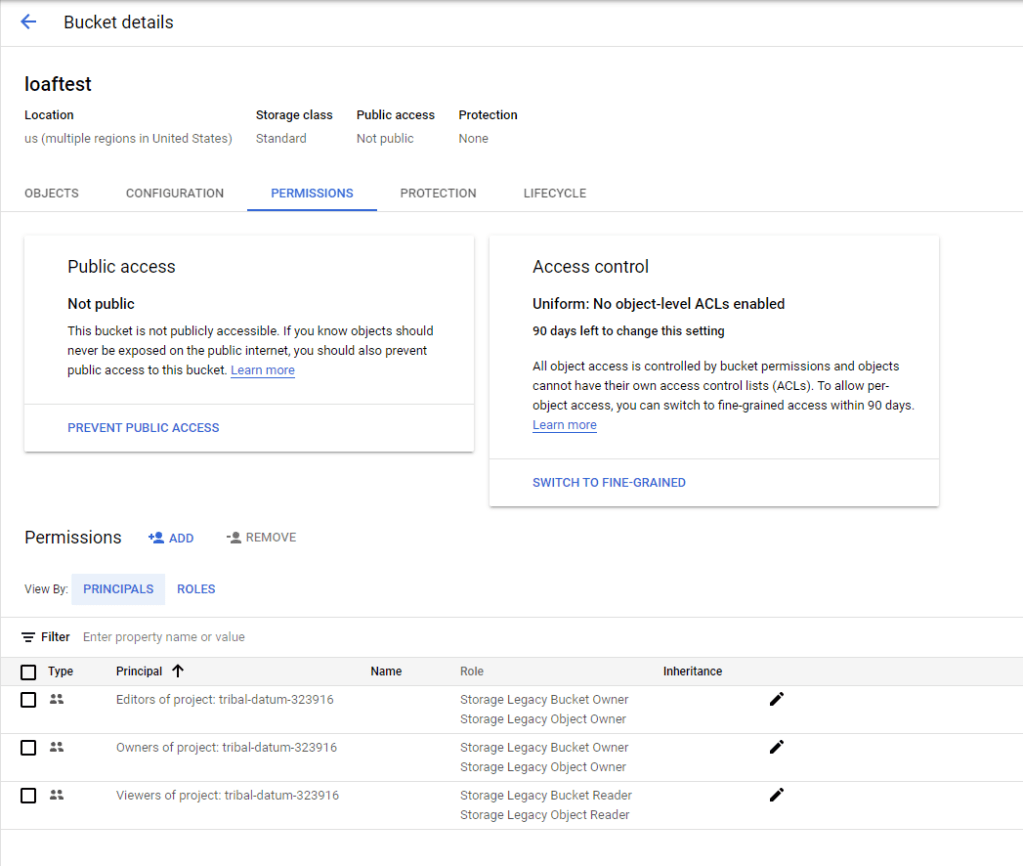
Add allUsers as the New Principals and change to Role to Storage Legacy Object Reader.

Click Save and allow public access on the pop up.
You are now all set! Just add in object and keep the same file name for the new object you want to change it to. When naming the file, do NOT uses spaces, either lump the words together or use underscores.
When you click on an uploaded file, you can get the public image link and use that for minting.
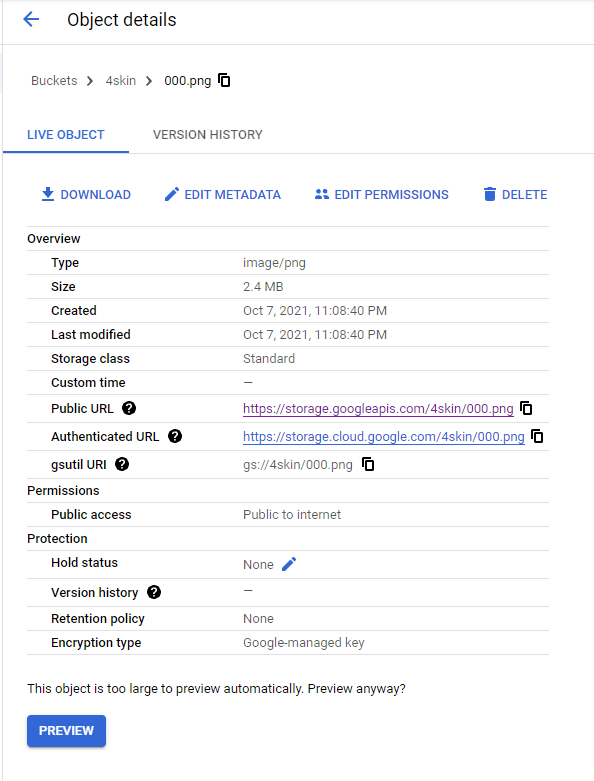
Congrats! You now have a way of giving yourself the greatest amount of flexibility for an NFT project!
Credits: I just want to give a shout out to Fauan Fork for showing me how to do this back in the day!
 LoafPickle Worldwide